


Insta360 Photo Paper Cartridge
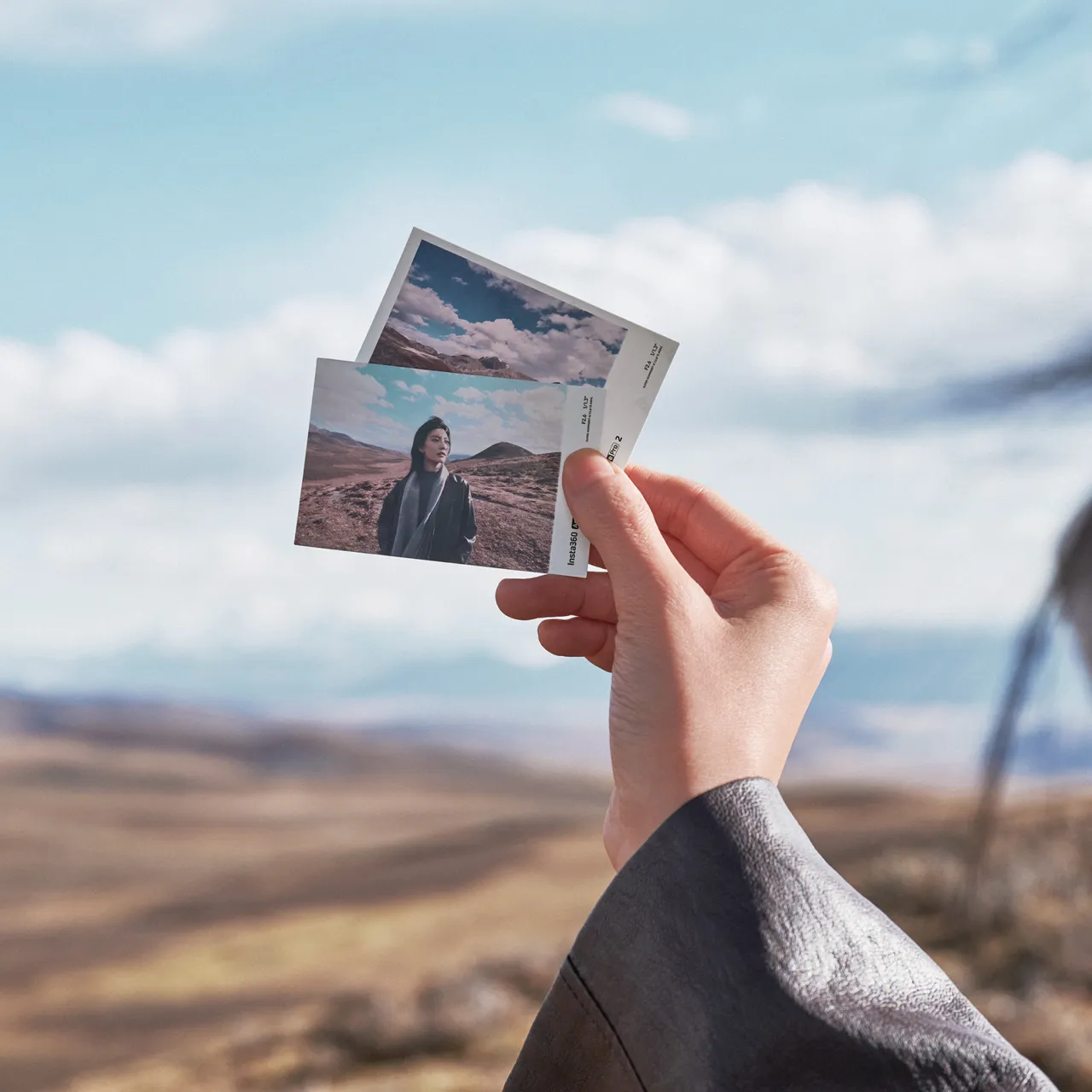
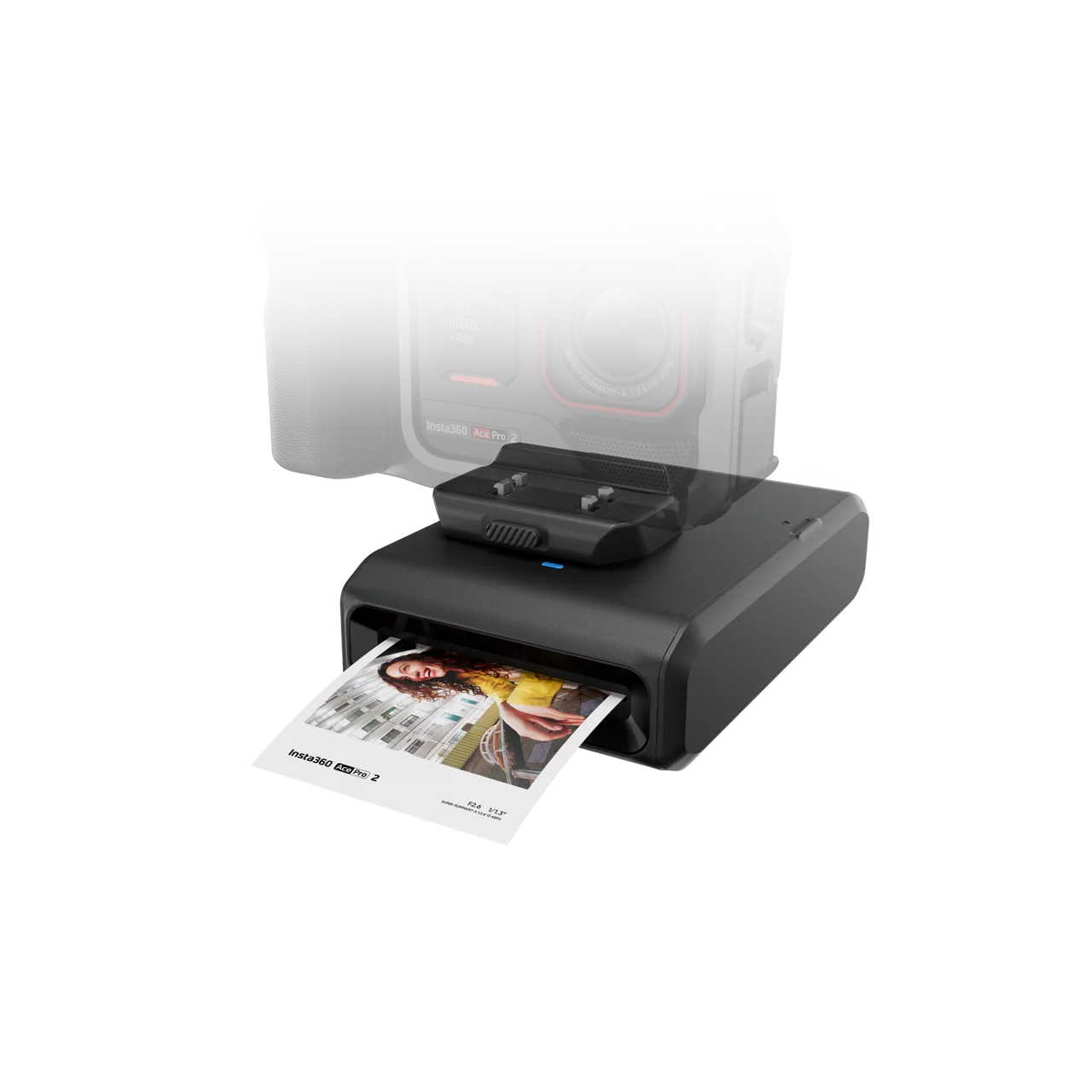
Insta360 Photo Paper Cartridge
39.00₾
- Snap, print, and bring your creations to life.
- Boasts 16.7-million colors for accurate color reproduction and 300 DPI for crystal-clear details.
- Automatically laminates your pictures to protect them against dust and fading.
Compatibility
Insta360 Ace Pro 2
14 in stock

- Snap, print, and bring your creations to life.
- Boasts 16.7-million colors for accurate color reproduction and 300 DPI for crystal-clear details.
- Automatically laminates your pictures to protect them against dust and fading.
Compatibility
Insta360 Ace Pro 2
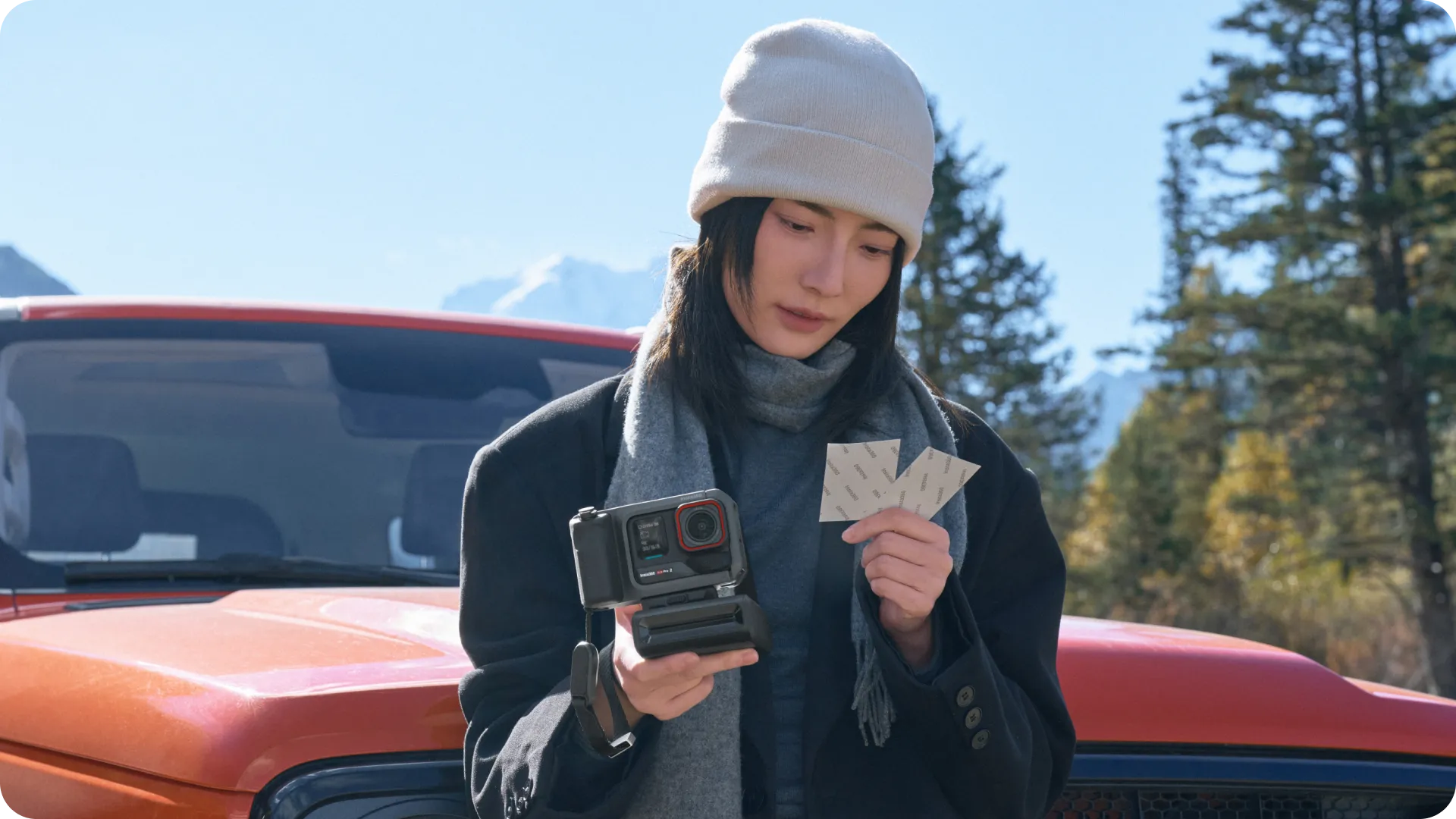
Snap, print, and bring your creations to life.
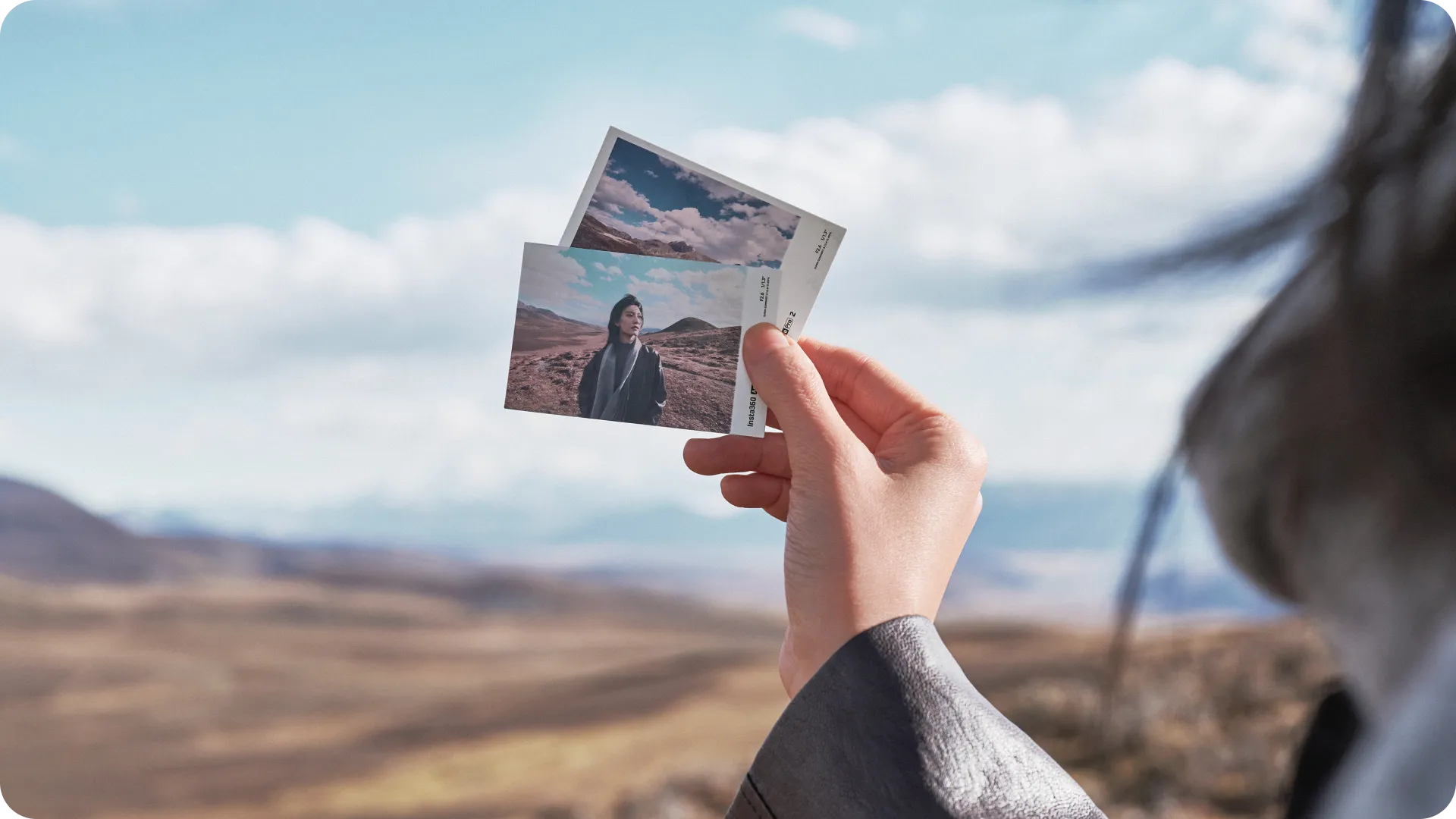
Photo paper features an exclusive Insta360 Ace Pro 2 watermark.
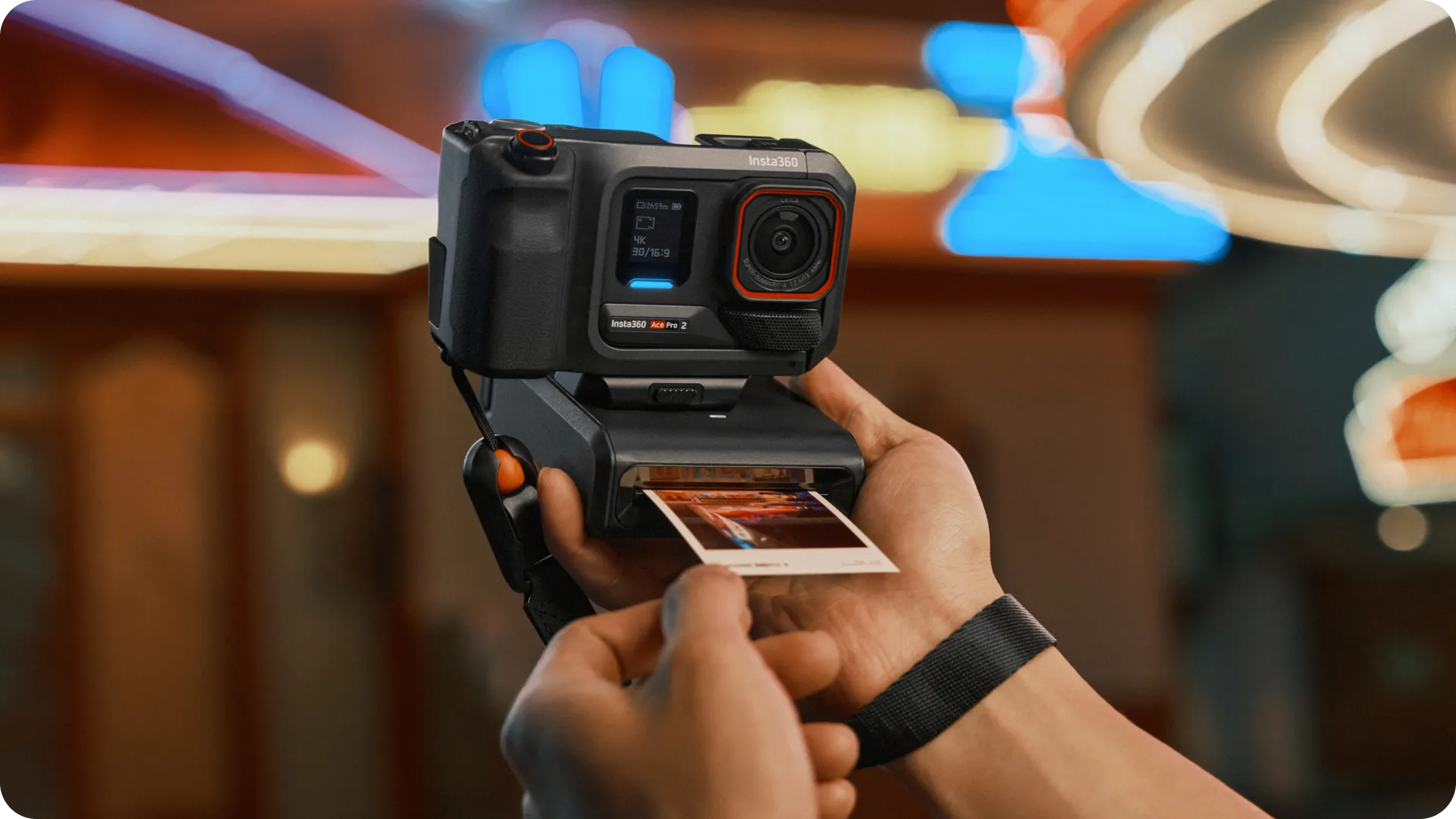
The printer accurately reproduces colors and details with a 16.7-million-color range and 300-DPI resolution, while the paper is auto-laminated for long-lasting protection and preservation.
In The Box
2x Color Ribbon
20× Photo Paper
Specs
Weight:
88g (3.1oz)
Sheet Size:
82x53mm (3.2×2.1in)
Materials:
White cardboard, corrugated fiberboard
Notes
- After removing the photo paper from the bag, put it into the printer and store it in a dust-free location.
- Do not pull or touch the paper during the printing process.
- Do not remove the transparent plastic sheet on the back of the film box, and do not rotate the ribbon manually.
- Ensure there are no obstructions within 10cm (3.9in) in front of the printer before beginning the printing process.
- Do not put wet photo paper into the printer.
- Do not use third-party photo paper. If you encounter any printer malfunctions or usage problems while using third-party photo paper, you will not be eligible for the free Insta360 repair service.
- The printer’s operating temperature range is 41–95°F (5–35°C)
- Each photo paper sheet is designed to be used once. Do not reuse to prevent the ink ribbon from wrinkling.
Sale


Insta360 X4 Battery
Accessories, Insta360, Insta360 X4- Made for Insta360 X4.
- 2290mAh large-capacity battery, 27% more than the previous generation.
- Increased battery life up to 67%, allowing for 135 minutes of recording at 5.7K30fps.
- Performs well in temperatures as low as -20°C (-4°F), with no impact on performance.
- Includes:1x X4 Battery,1x Battery Storage Case.
Original price was: 159.00₾.125.00₾Current price is: 125.00₾.


Insta360 GO 3 ND Filter Set
Accessories, Insta360- Easily create a cinematic atmosphere and motion blur effects.
- Includes ND8, ND16, ND32, and ND64 filters for four levels of light reduction.
- Get the perfect shot in a variety of lighting conditions.
- Achieve long exposure shots and unique effects such as city light trails and star trails.
159.00₾


X5 Mic Adapter
Accessories, Insta360, Insta360 X5- Add an external microphone to your camera for pro-level audio.
- Precisely designed for Insta360 X5 to remain totally invisible in 360º footage.
- A 3.5mm audio port and USB-C port allow you to connect a mic and charge the camera simultaneously.
- Buckle system ensures a strong connection and convenient assembly/disassembly.
79.00₾


Insta360 GO 3 Lens Guard
Accessories, Insta360- Includes 2x GO 3 Lens Guards.
- Screw-on replaceable lens protector.
- Designed with hardened glass and an anti-fogging protective coating.
49.00₾